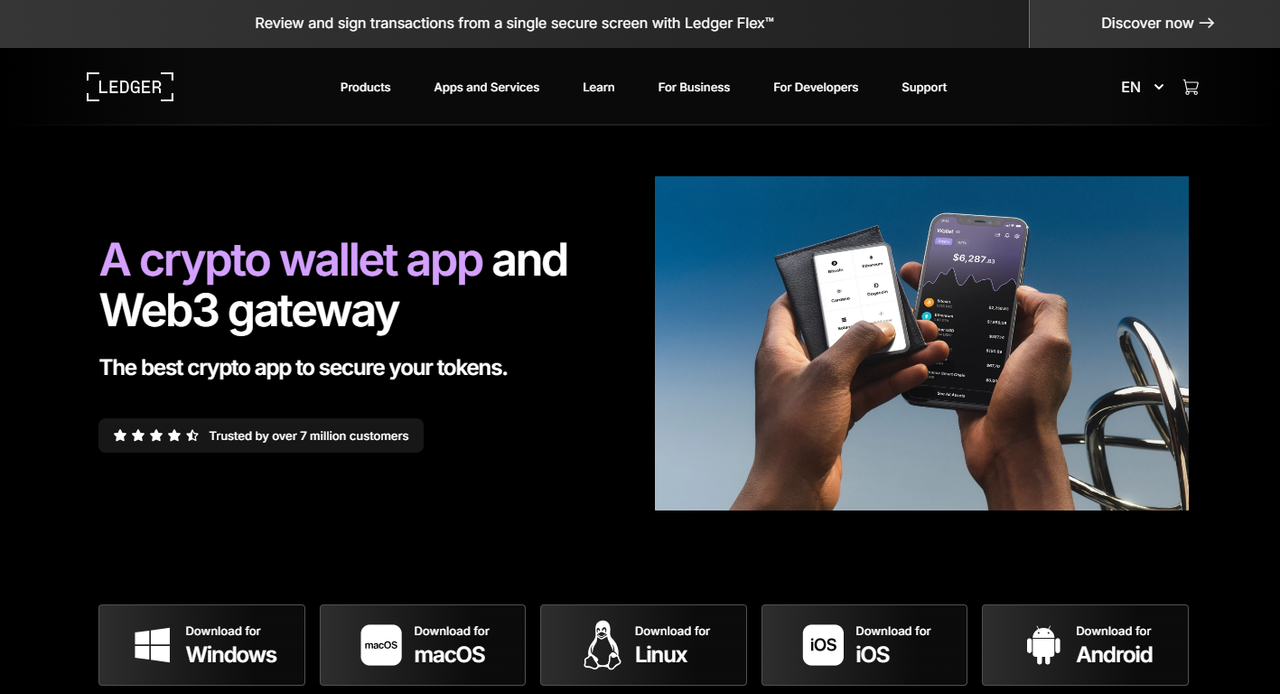
Ledger Live Login: Secure Access to Your Digital Assets
Ledger Live is the official companion application for Ledger hardware wallets, providing users with a secure and intuitive way to manage cryptocurrencies and blockchain-based assets. Logging into Ledger Live is the first step to accessing your accounts, viewing balances, and performing transactions safely. This page is designed to help users understand how to log in properly, maintain security, and make the most of Ledger Live features.
Whether you are a beginner or an experienced cryptocurrency holder, understanding Ledger Live login procedures is essential for protecting your assets and ensuring that your private keys remain secure.
What is Ledger Live?
Ledger Live is a desktop and mobile application that acts as the interface between your Ledger hardware wallet and the blockchain. It allows you to:
Check balances for multiple cryptocurrencies.
Send and receive assets securely.
Install and manage applications for supported cryptocurrencies.
Monitor portfolio performance and transaction history.
Perform firmware updates on Ledger devices.
Importantly, Ledger Live never exposes your private keys. All critical operations, including signing transactions, occur directly on your Ledger hardware wallet. This design ensures that sensitive information is never transmitted online or stored on your computer, keeping your assets protected from malware and hacking attempts.
Why Secure Login Matters
The Ledger Live login process is more than just entering credentials. It is a critical security step that ensures only authorized users can access account information. While Ledger Live is designed to be user-friendly, following proper login procedures is crucial for maintaining the safety of your digital assets.
A secure login helps prevent unauthorized access, phishing attacks, and attempts to compromise your accounts. Ledger encourages users to combine hardware wallet authentication with good digital security practices to reduce risk.
How to Log In to Ledger Live
Logging in to Ledger Live involves connecting your Ledger hardware wallet and authenticating your access. The process is straightforward but requires careful attention to security:
Open Ledger Live: Launch the official Ledger Live application, downloaded from ledger.com. Ensure you are using the latest version to benefit from security updates.
Connect Your Ledger Device: Use a USB cable to connect your Ledger hardware wallet to your computer, or connect via supported mobile methods if using a mobile device.
Enter Your PIN: Your Ledger device will prompt you to enter the PIN code you set during device initialization. This step prevents unauthorized access in case the device is lost or stolen.
Access Your Accounts: Once the PIN is verified, Ledger Live will display your portfolio, accounts, and transaction history. You can now safely manage assets, send and receive funds, and interact with supported blockchain networks.
It is important to remember that Ledger Live login is device-based. Your Ledger hardware wallet acts as the key to access the application, meaning that only someone with physical access to the device and knowledge of the PIN can log in successfully.
Security Best Practices for Ledger Live
Even though Ledger Live is designed for security, users play an important role in protecting their assets. Key practices include:
Always use official software: Download Ledger Live exclusively from ledger.com. Avoid third-party websites or downloads.
Keep your device PIN confidential: Never share your PIN with anyone, and do not store it digitally.
Verify device connection: Always confirm that Ledger Live recognizes your genuine Ledger device before proceeding.
Check for firmware updates: Regularly update both Ledger Live and your hardware wallet firmware to maintain the latest security protections.
Beware of phishing attempts: Ledger will never ask for your recovery phrase. Keep this information offline and private at all times.
Following these security measures ensures that your login process and asset management remain safe and reliable.
Multi-Device and Mobile Access
Ledger Live is available on desktop (Windows, macOS, Linux) and mobile devices (iOS and Android). Users can log in across multiple devices while keeping private keys securely stored on the Ledger hardware wallet. Each login requires authentication through the device, ensuring consistent security across platforms.
This multi-device capability allows you to monitor your portfolio and perform transactions conveniently, whether you are at home or on the go. Despite the convenience, it is critical to maintain security practices, such as verifying device connections and avoiding public Wi-Fi for sensitive transactions.
Troubleshooting Login Issues
Some users may encounter login difficulties. Common issues include:
Device not recognized: Ensure your Ledger device is properly connected and unlocked with the correct PIN.
Outdated Ledger Live: Always use the latest version to prevent compatibility problems.
USB or cable issues: Verify that cables and ports are functional and secure.
Ledger provides official support and documentation to resolve these issues safely. Avoid unofficial guides or forums that may provide risky advice or malicious software.
Benefits of Logging into Ledger Live
Logging into Ledger Live gives you more than access; it empowers you to manage your assets efficiently and securely:
Centralized dashboard: View all your cryptocurrency holdings in one place.
Secure transactions: Every transaction requires physical approval on your Ledger device.
Portfolio management: Track asset performance and history over time.
App management: Install and update supported cryptocurrency apps without exposing private keys.
By logging in securely, users can fully leverage Ledger Live’s features while keeping their digital assets safe.
Final Thoughts
Ledger Live login is the gateway to secure cryptocurrency management. By connecting your Ledger hardware wallet and following best practices, you ensure that your accounts remain safe, your private keys stay offline, and your digital assets are protected.
Logging in is simple, but security awareness is essential. Using official software, protecting your PIN, and confirming device interactions are crucial steps in safeguarding your assets. Ledger Live provides a reliable, secure, and user-friendly interface for managing digital assets while keeping your private keys under your control.
Starting your Ledger Live session safely allows you to confidently send, receive, and manage cryptocurrency, reinforcing the importance of personal responsibility and security in the digital economy.